📘 Staff Party 2025 – Registration & Voting Guide
1. Access the Website
Visit: https://staff.azphuket.com/
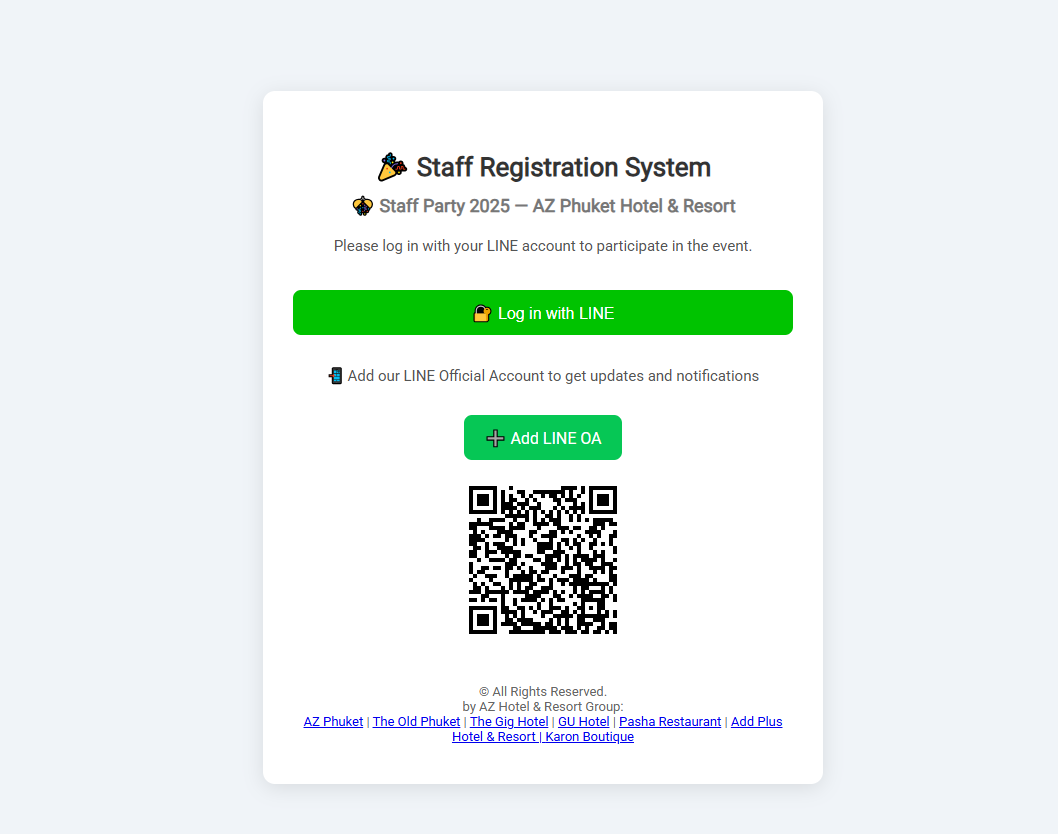
2. Log in with LINE
Click Log in with LINE button

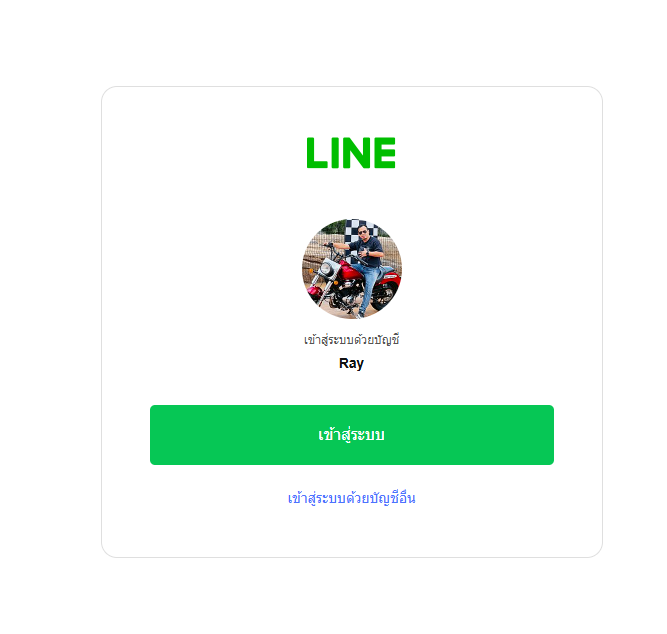
3. Confirm LINE Account
Check your profile and click “Log In”
4. Register as Staff
Click 📋 Register Staff and fill in the form:
- First & Last Name
- Position / Department / Hotel
- Phone Number
- Accept PDPA Policy
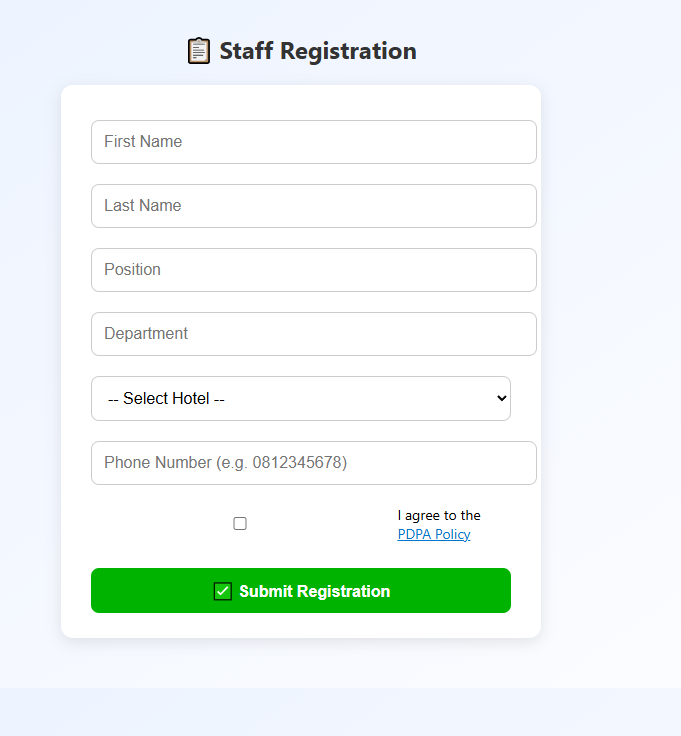
✅ Note: Phone number must begin with 0 and contain 9–10 digits
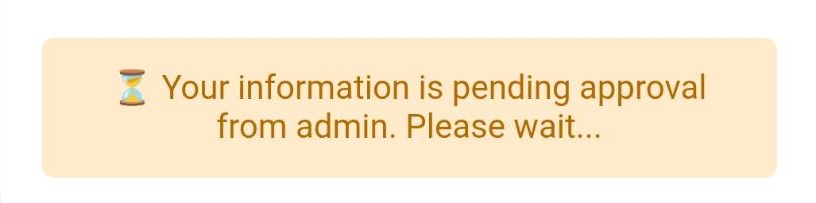
5. Wait for HR Approval
After submitting, you’ll see a message saying “Waiting for approval”
6. Vote for a Theme
Once approved, you will see the “Vote Staff Party 2025” button
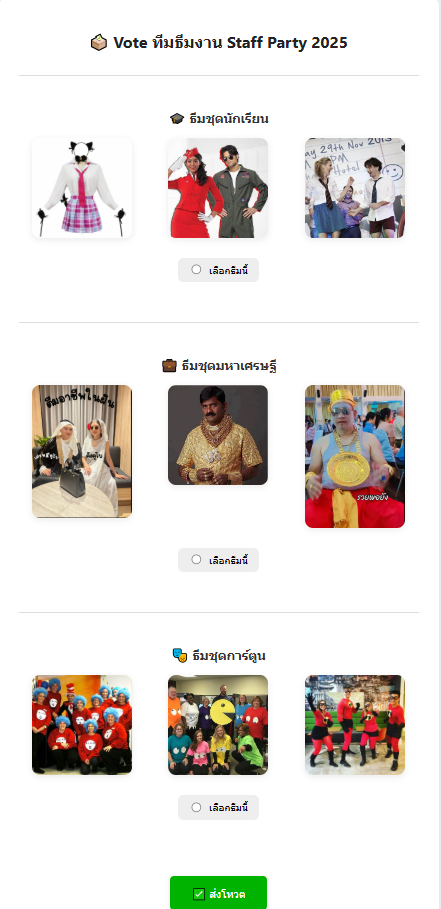
Select your favorite theme:
- 🎓 Student Uniform Theme
- 💼 Billionaire Theme
- 🎭 Cartoon Character Theme
7. Submit Your Vote
Click ✅ Submit Vote to confirm your selection
⚠️ Note: Only one vote is allowed per LINE account
🎉 Done!
You’ll receive confirmation that your vote was recorded. Thank you for participating!